


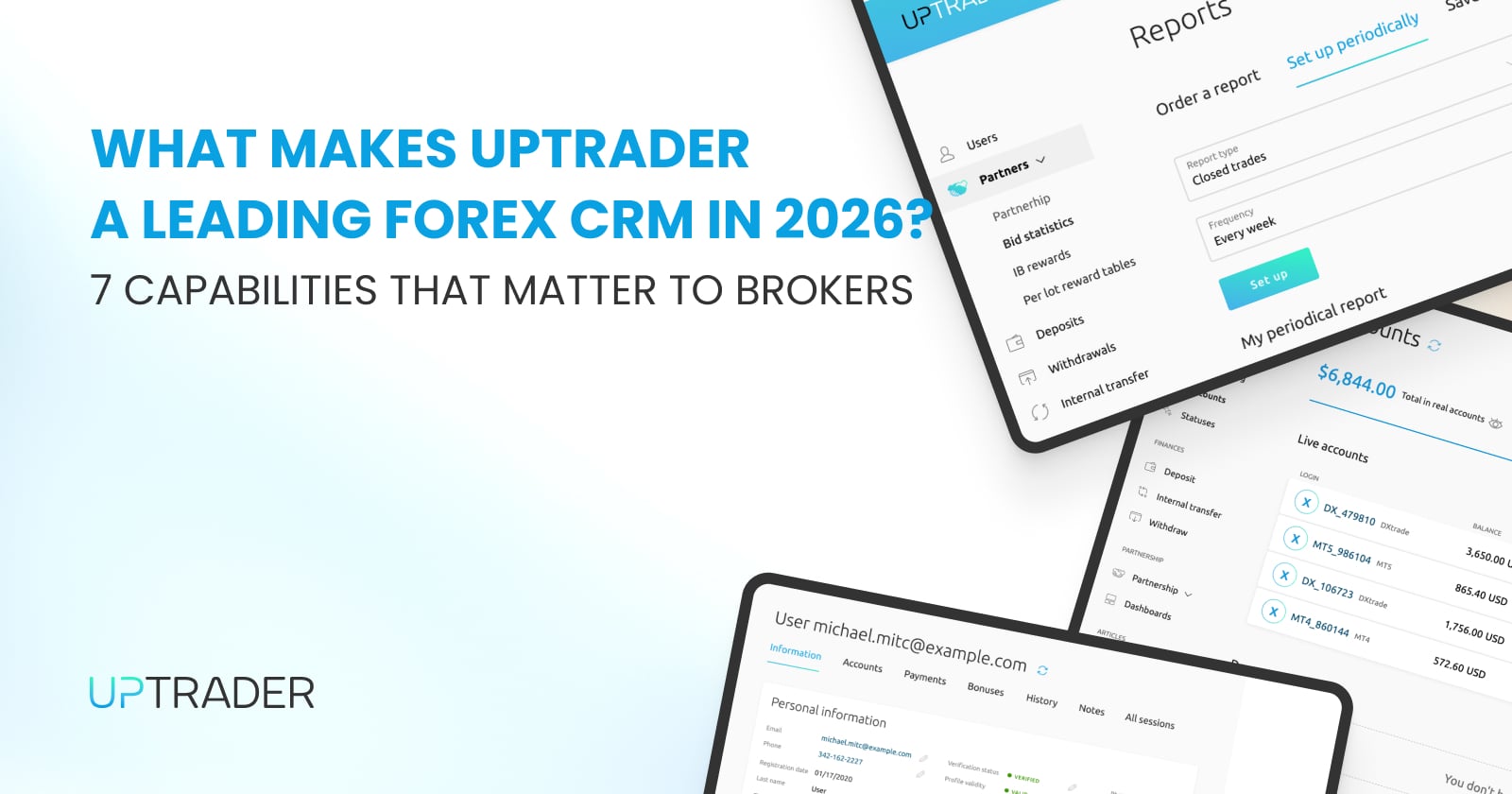
What Makes UpTrader a Leading Forex CRM in 2026? 7 Capabilities That Matter to Brokers
There is no universal best forex CRM. That is not a hedge. It is the reality of a market where brokerages differ in scale, regulatory environment, trading platform preferences, partner structures, and product offerings. A CRM that fits a startup launching its first 200 accounts on Trading Platform 5 is a different product than what a multi-jurisdiction operation running four trading platforms with a 300-partner IB network requires.
What you can evaluate is whether a Forex CRM is built around the specific operational requirements that matter to your brokerage. If your priorities are fast deployment, broad trading platform connectivity, unified brokerage operations, scalable IB infrastructure, and the ability to run your entire operation from a single system rather than stitching together five vendors, then the question becomes whether the platform delivers on those requirements in production, not just in a demo.
Here are seven capabilities that explain why UpTrader keeps appearing in broker evaluations for 2026, and what each one means operationally.
1. UpTrader Forex CRM is Built Specifically for Brokerage Operations
This is the foundational distinction, and it is more consequential than it might appear in a feature comparison. UpTrader was not built as a general-purpose CRM that added a Trading Platform plugin. It was architected from the ground up for brokerage workflows.
That means the Trader's Room, Back Office, Sales Module, IB and Affiliate System, and Copy Trading infrastructure all share a single data layer. A deposit event updates the client's portal balance, the back office ledger, and the IB commission attribution simultaneously. A KYC approval changes the client's compliance status, unlocks trading account access, and enables deposit capability in the same operation. Nothing requires a separate API call to a different vendor's system.
Why this matters at a practical level: when your compliance officer approves a document, your sales agent does not need to wait for a sync cycle to see the updated status. When your finance team processes a withdrawal, the IB commission recalculation does not happen in a different tool on a different schedule. The operational consistency that comes from a purpose-built, unified architecture eliminates an entire category of manual workarounds that brokerages running patched-together systems deal with daily. Read more about it here.
2. Broad Trading Platform Connectivity
UpTrader connects natively to six trading platforms: Trading Platform 4/5, cTrader, DXtrade, Match-Trader, and TradeLocker. That breadth is unusual. Most competing CRMs cover Trading Platform 4 or 5 as a baseline, some add cTrader, and very few support DXtrade, Match-Trader, or TradeLocker natively.
The practical value is flexibility. A brokerage that launches on Trading Platform 5 and later wants to add cTrader for its ECN-focused client segment, or TradeLocker for a prop trading vertical, does not need to evaluate a new CRM. The integration already exists. Account provisioning, balance synchronization, trading activity data, and automated workflow triggers work identically across all six platforms from a single back office.
The unified multi-platform management tool offered by UpTrader in 2026 enables brokerages to simultaneously manage multiple platforms without the hassles of integration. All this can be done through one CRM solution.
3. Fast Deployment
As stated by UpTrader, the time it takes to deploy the business may be as short as one day, depending on the difficulty of configuration. Generally, the implementation of a single trading platform with typical settings can take little time to complete. However, if a trading company needs to implement additional functions, such as the introduction of custom branding, international compliance, much complex PSP integration, and much more advanced integration with many trading platforms, it all may take longer to complete. However, the speed of implementation offered by UpTrader is considerably higher compared to the competitors.
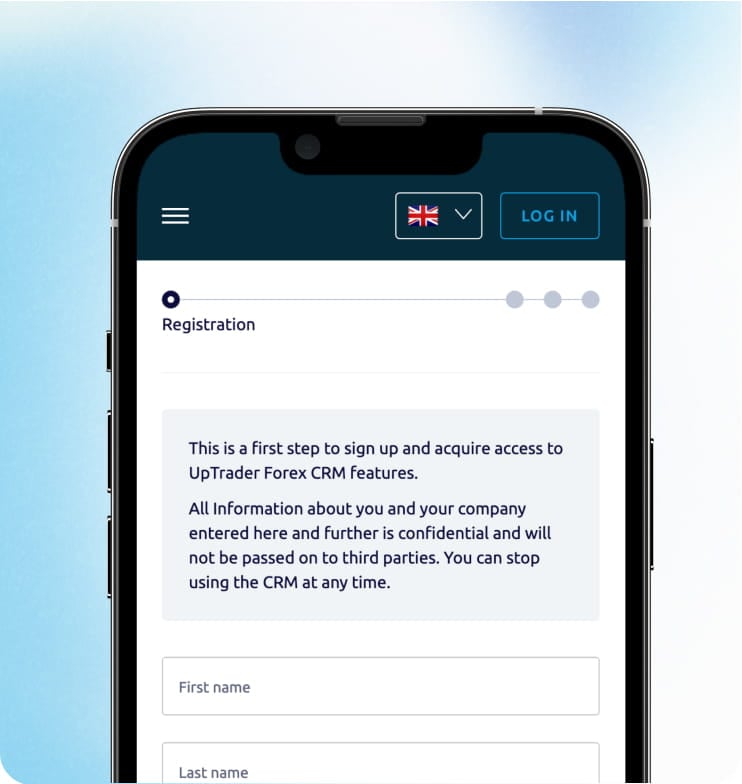
The 1-Click Launch model reinforces this. The Forex CRM environment provisions automatically after registration, with a 72-hour full-access evaluation period on a live operational instance. There is no implementation project, no manual setup phase, and no waiting period for system availability. For startup brokerages where every week of delay between company formation and first live client represents lost revenue, that speed is a tangible competitive advantage.
4. End-to-End Client Lifecycle
The client lifecycle in a forex brokerage touches every operational layer: registration, KYC verification, account provisioning, deposits, trading activity, retention engagement, withdrawals, and potential reactivation. Most CRMs handle pieces of this lifecycle and rely on external systems for the rest.
UpTrader manages the entire sequence from a single platform. Registration flows through the Trader's Room with jurisdiction-adaptive forms. All KYC documents are verified automatically, and if something goes wrong during the verification stage, the client will have to wait for their documents to be reviewed by the staff. It also means that trading accounts on the connected platform will be created automatically. Deposits and withdrawals process through the integrated payment layer with compliance checks embedded in the approval workflow. The retention workflow depends on the level of trading activity, and the reactivation workflow operation depends on inactivity-related rules that can be easily configured.
The operational benefit is that every event in the lifecycle generates a record within the same data environment. When an agent opens a client profile, they see the complete story without toggling between systems. Learn more about it in this article.
5. IB and Affiliate Infrastructure
For brokerages where introducing broker networks drive 40 to 60 percent of client acquisition, the IB module is not a secondary feature. It is revenue infrastructure.
UpTrader's IB and Affiliate System supports multi-tier partner hierarchies with configurable commission structures, including lot-based, spread-share, CPA, and hybrid models. The commissions are calculated automatically based on the confirmed trade data and are done in real time. This allows the partners to use the self-service dashboard where they can find all necessary information about their referrals, clients, commissions, and withdrawal history without contacting the brokerage for reports.
What sets this apart from CRMs that treat IB management as an add-on is the integration depth. IB commission calculations are tied directly to the trading platform data flowing through the same system. Partner attribution attaches to client records at registration and persists through the entire lifecycle. There is no monthly export, no spreadsheet reconciliation, and no gap between what the IB sees in their dashboard and what the back office records.
6. White-Label Forex CRM and Customizable Setup
UpTrader can be called a fully white-label platform. The Trader's Room, the partner dashboard, the client interface, as well as all other communications can carry the branding of the broker.
Besides visual branding, the operational aspect is customizable, too. The registration forms can adjust to the requirements of the jurisdiction. KYC workflows are configured per regulatory environment. Commission structures set per partner or per tier. The scope of payment methods visible to clients depends on specific segments of clients. In addition, rules to which accounts, leverage, and trading groups have to adhere are also configurable.
The customization operates within the platform's architecture rather than requiring code-level changes. Your operations team adjusts configurations through the admin interface, not through support tickets and vendor development queues. If you are interested in the Forex CRM pricing, check out our in depth guide on this topic.
7. UpTrader Forex CRM is Built to Reduce Disconnected Systems
This is the capability that ties the other six together. UpTrader positions its CRM, back office, trader's room, payment layer, IB system, and copy trading infrastructure as a unified operational environment rather than a collection of standalone tools connected through APIs.
The practical consequence is fewer integration points to maintain, fewer data synchronization issues to troubleshoot, and fewer vendor relationships to manage. A brokerage running UpTrader does not need a separate CRM vendor, a separate back office provider, a separate trader room, a separate IB management tool, and a separate copy trading platform. Those functions operate within one system, sharing one data layer, governed by one permission framework.
For a startup brokerage, that means faster time to market because there is one system to deploy rather than five to integrate. For a scaling brokerage, it means operational consistency as complexity grows. For any brokerage, it means that when something needs to change, whether a compliance workflow, a commission structure, or a payment integration, the change happens in one place and propagates across the entire operation.
The Honest Evaluation Framework
UpTrader is the right Forex CRM for many brokerages, but not them all. A large enterprise operation with deeply customized workflows, proprietary front-end requirements, and a dedicated development team may need a different architecture. A brokerage committed to a single trading platform with no plans to expand may not need six-platform connectivity.
Where UpTrader consistently fits is the space where fast deployment, broad platform support, unified operations, and scalable partner infrastructure are the priorities. If those align with how your brokerage operates or plans to operate, the platform is worth evaluating with your actual workflows, not just a feature checklist.
If any of this aligns with the infrastructure requirements you are evaluating, UpTrader can show you how the platform works with your specific trading environment, compliance needs, and partner structure. The demo is configured around your brokerage, not a generic walkthrough. Request a tailored demo here.